
Your everyday, remembered.
Capture your day. Understand yourself. Know what to carry forward.
Vowise is an AI voice-to-text, dictation, and voice journal app. Capture daily life with voice, photos, and the Awareness Log. Revisit your records in Review to discover connections and support your next action and creation.
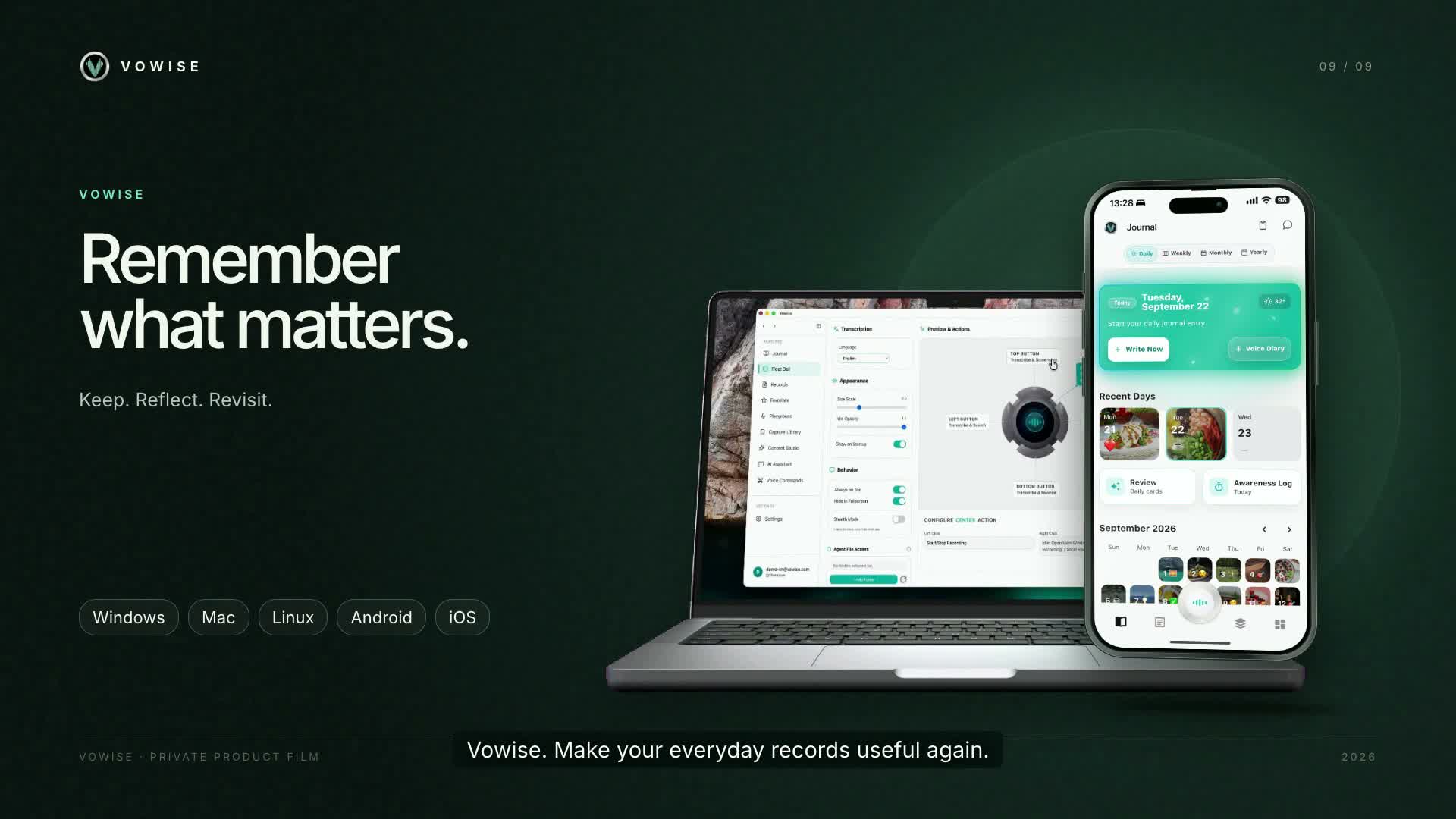
Start with capture
Start by capturing. Understand in time.
A sudden thought, a conversation worth remembering, or feelings not yet sorted at the end of the day. No need to wait for time to write a complete journal. Capture whatever fits the moment, then return to organize what matters.
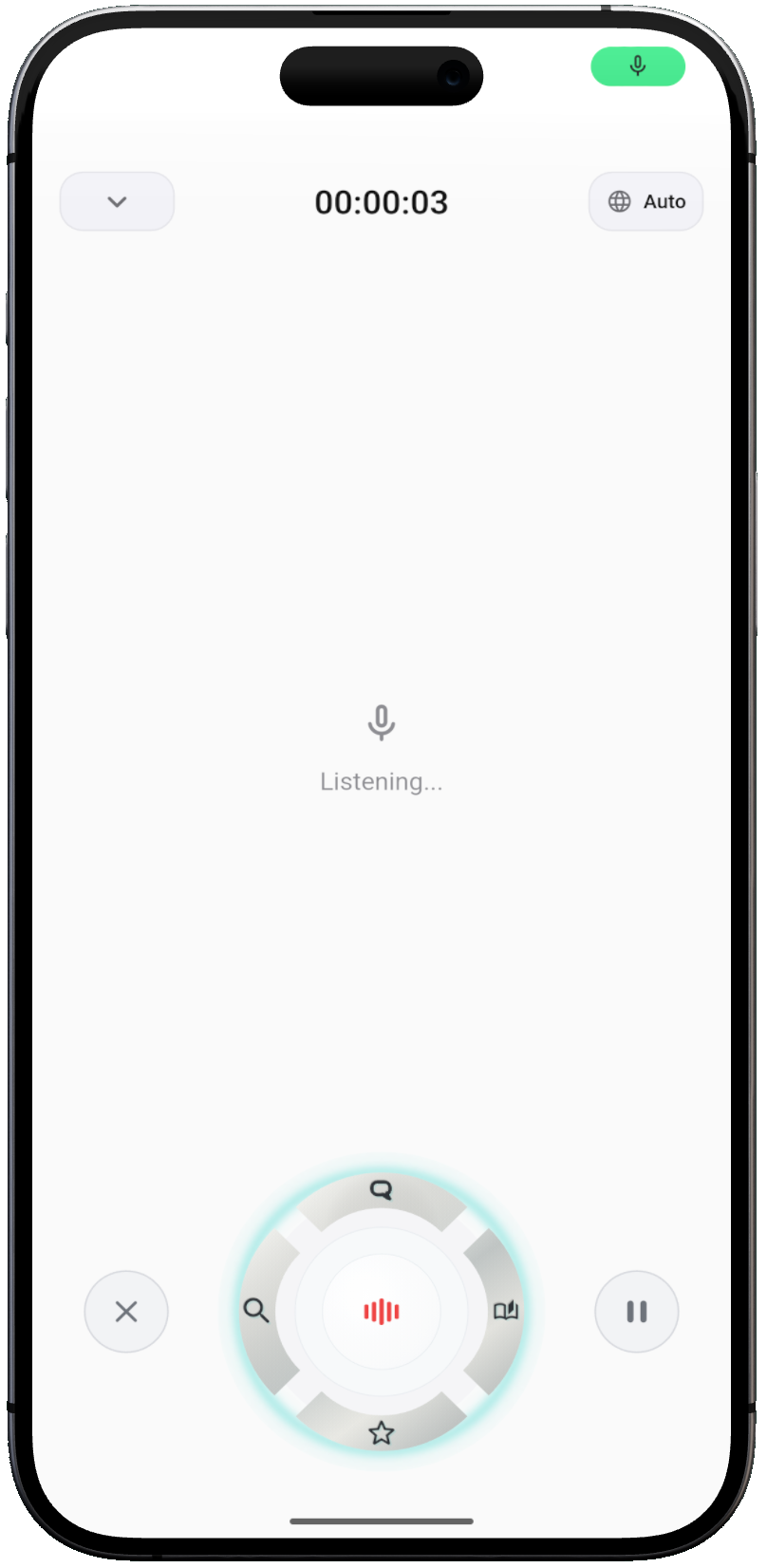
Awareness Log
Beyond thoughts, see how each day is spent.
Daily activities, habits, tasks, and time spent are clues to understanding yourself. Keep them in the Awareness Log, then pair them with your journal in Review to see what happened, what you did, and how you felt.
Pair daily activities with personal reflections for richer context.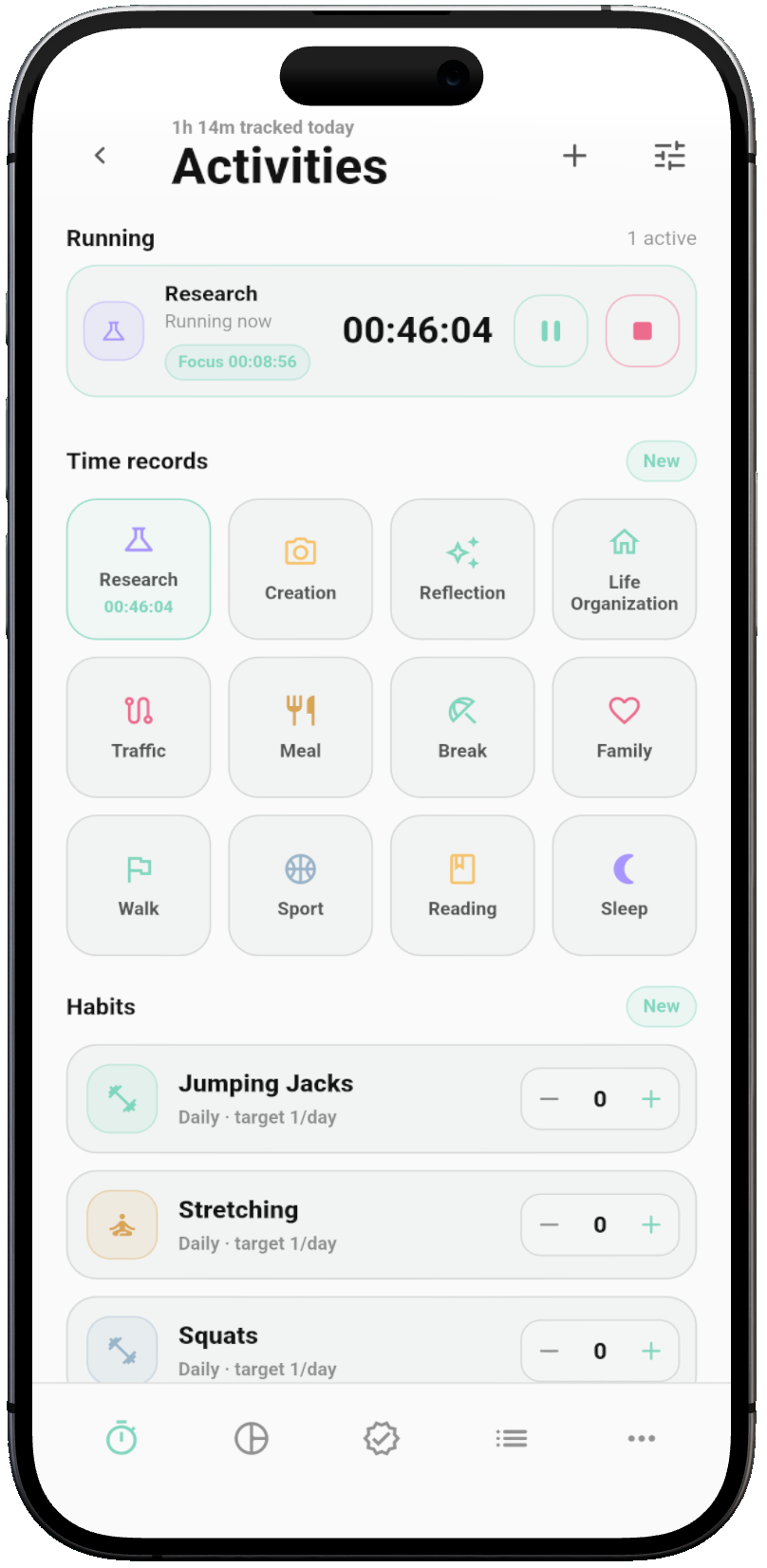
Journals hold thoughts and experiences; awareness logs track daily activities. Together, they guide your review.
Structuring & Context
Bring scattered records back into your life.
A voice clip, a photo, a conversation—on their own, each is just a record. When organized alongside activities and thoughts, context emerges, making it easy to trace how things unfolded and spot clues worth pursuing.
Keep the content and the context. Remind your future self why it mattered.
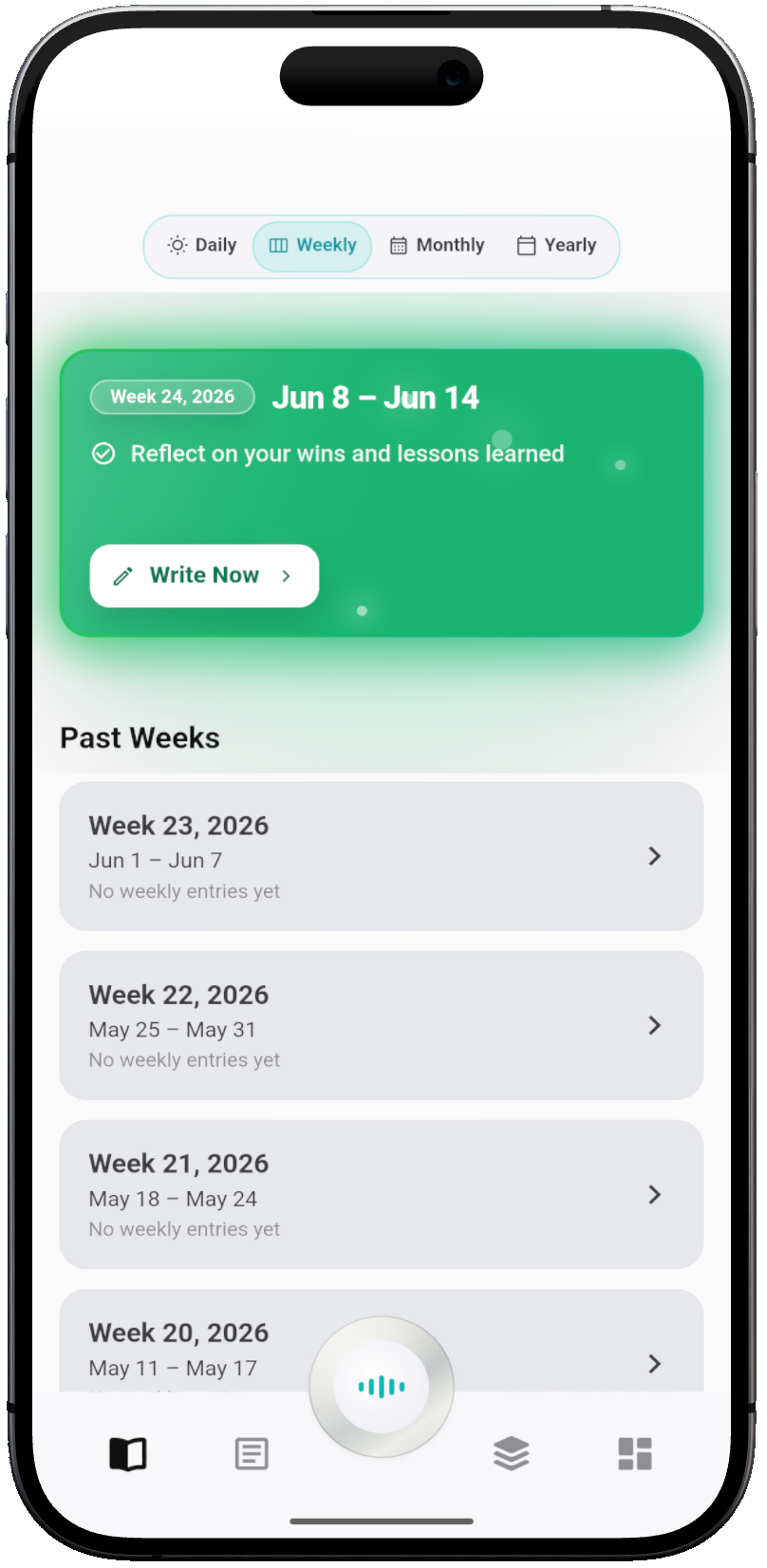
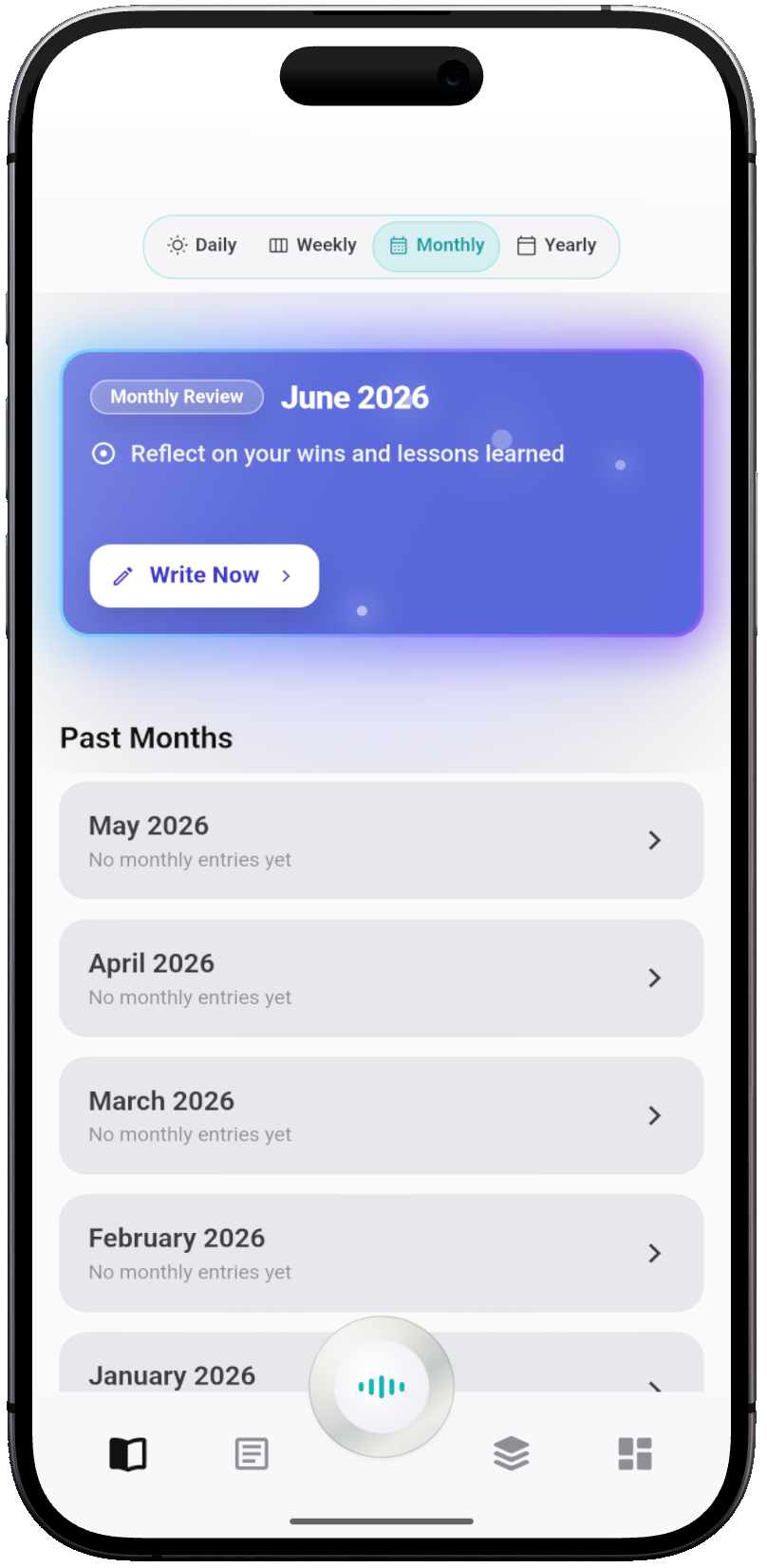
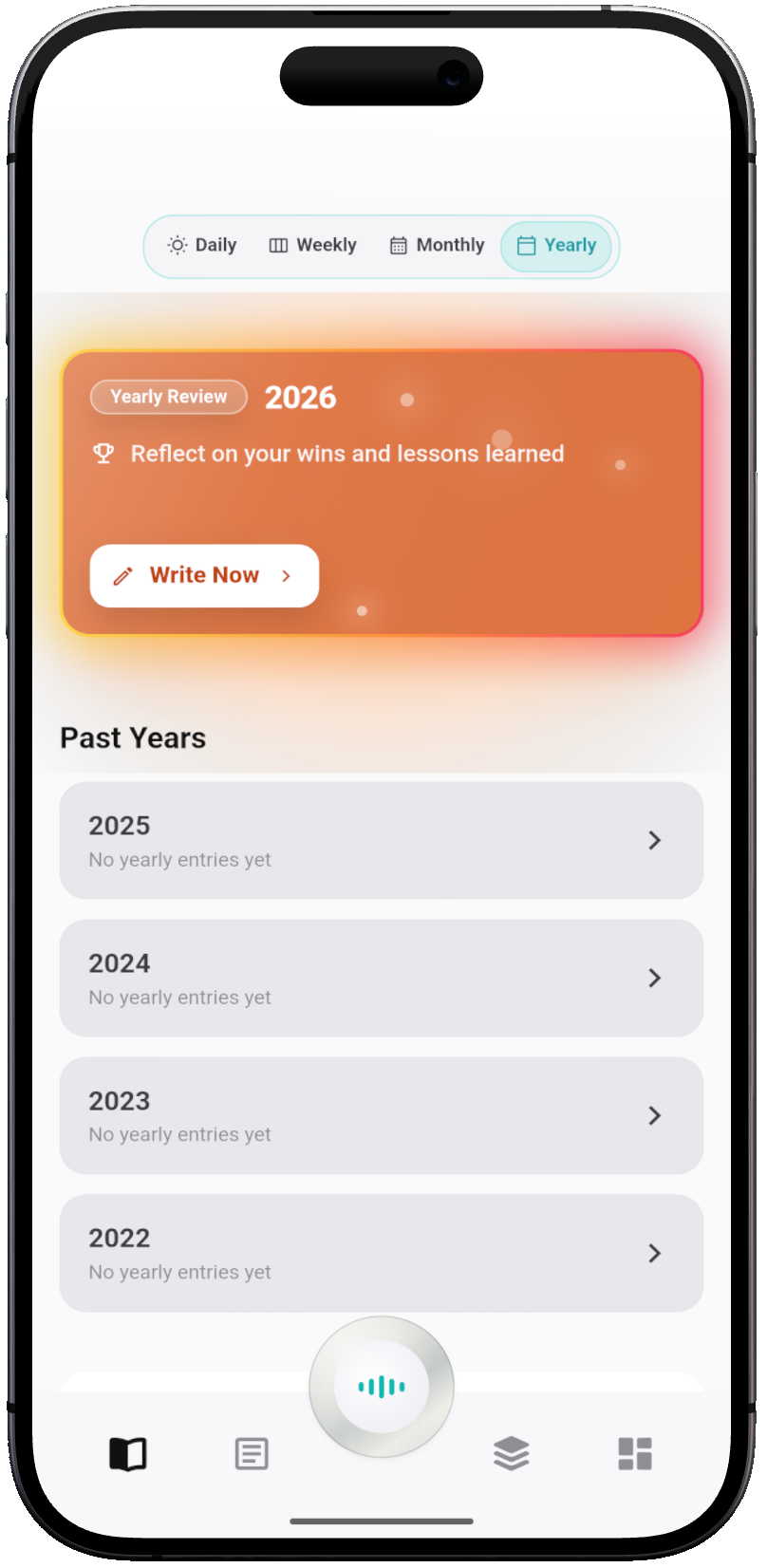
Review
Let what is worth remembering meet you once again.
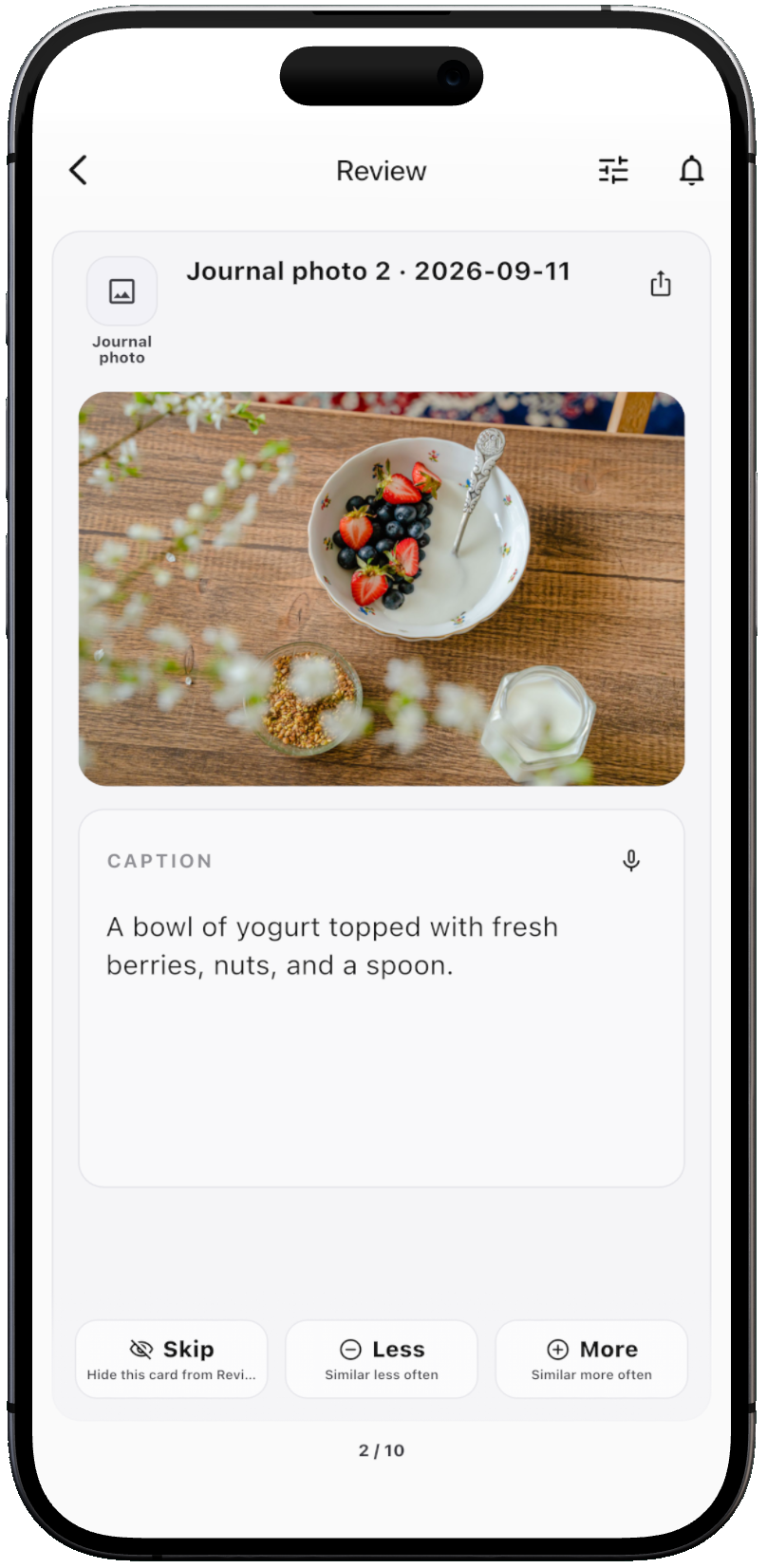
Review brings your saved thoughts, reflections, and notes back into view. Examine each card to rediscover what you were thinking, and tune the cadence with Skip, Less, or More so meaningful ideas return at the right moment.
Rediscover
Revisit past notes to recapture the thoughts you had in that moment.
Tune the Cadence
Skip the current card, or reduce and increase how often this topic resurfaces.
Keep Inquiring
Uncover new questions worth exploring as past ideas resurface.
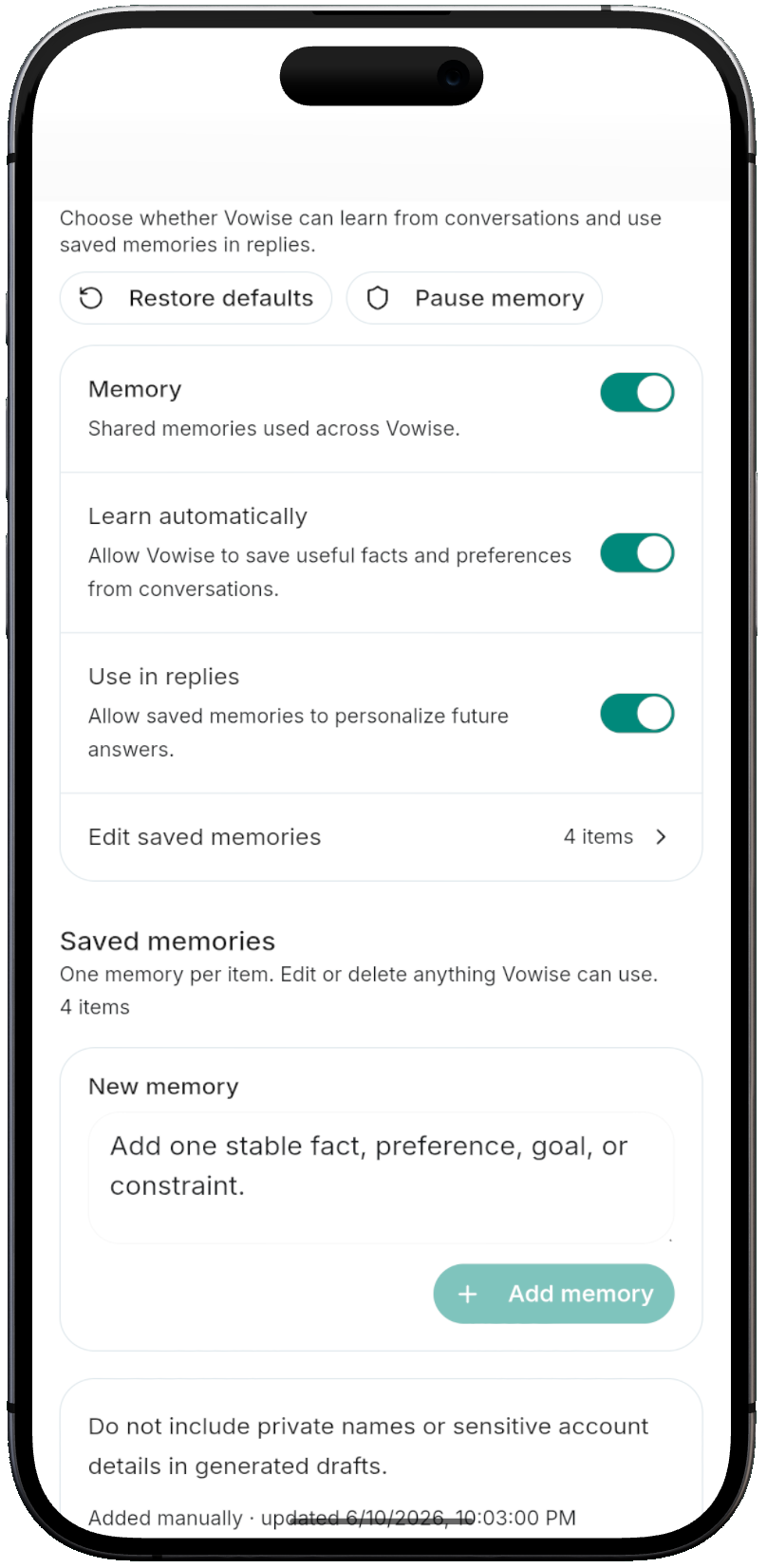
AI Memory
Connect your next thought to what you've already built.
AI Memory keeps and organizes durable personal context, giving future AI conversations a reliable ground. Pick up right where your thinking left off to untangle problems and spark new ideas.
View, edit, or delete memories anytime so what is kept reflects who you are today.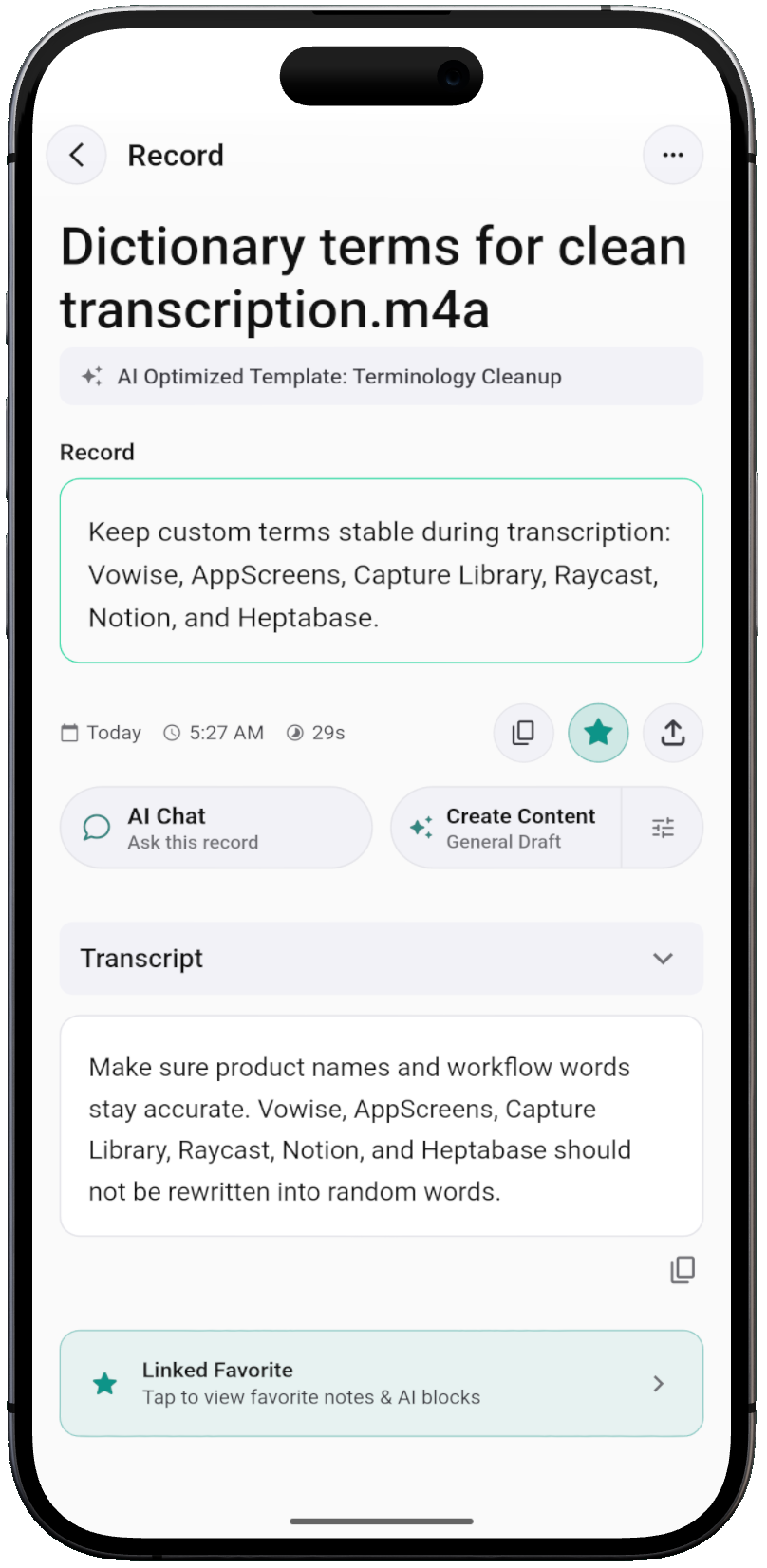
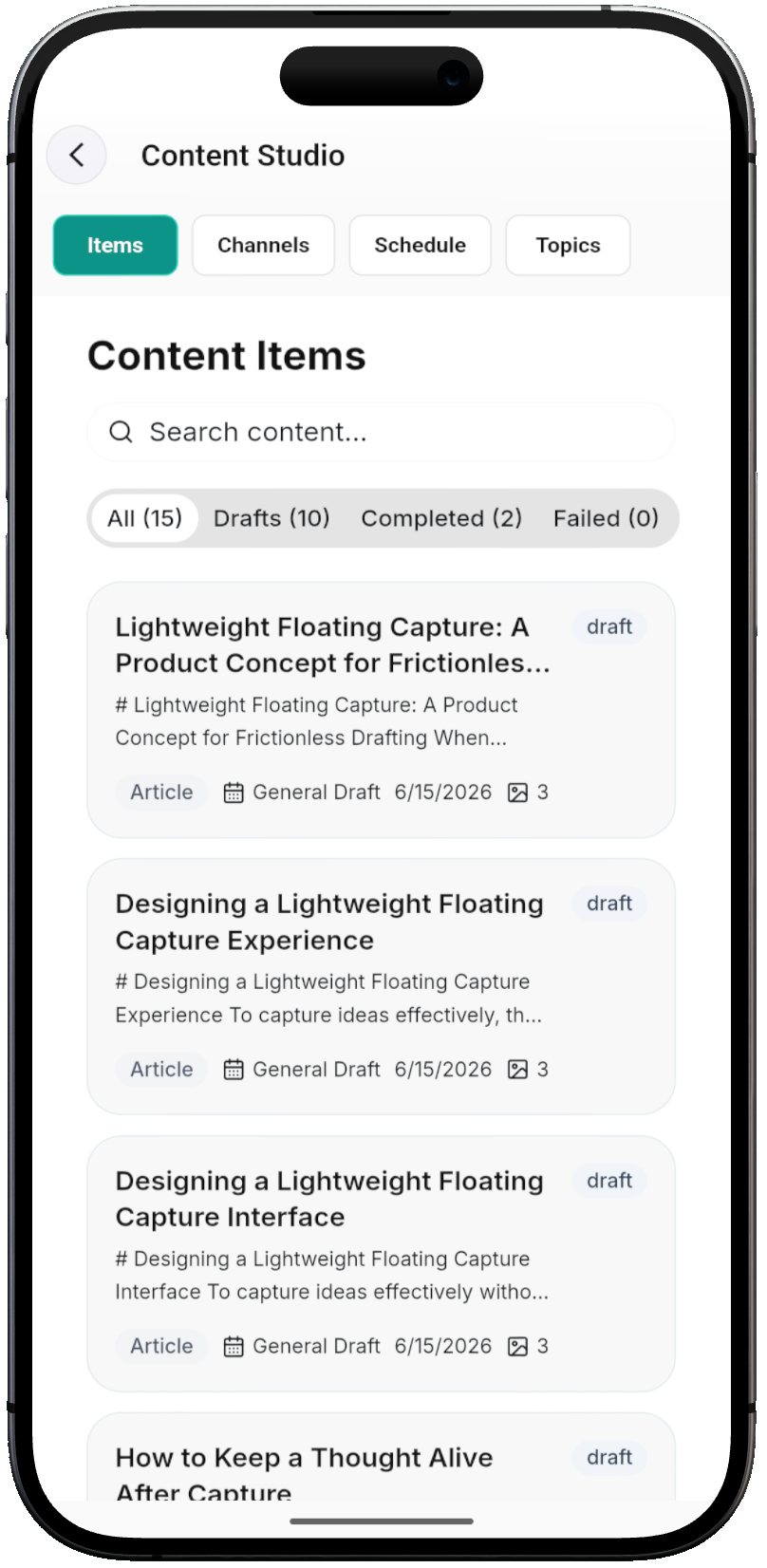
Content Creation
Develop new ideas and content from your own journey.
A question discovered in review, an insight from a conversation, or records connecting over time become starting points. Gather material, use AI to shape structure and expand perspectives, and produce working drafts you can refine.
- Structure an ideaShape scattered records into clear points of view.
- Write a storyDraw clues from lived experience to craft expressive narratives.
- Prepare a talk or pieceGather relevant sources into drafts for essays, talks, or discussions.
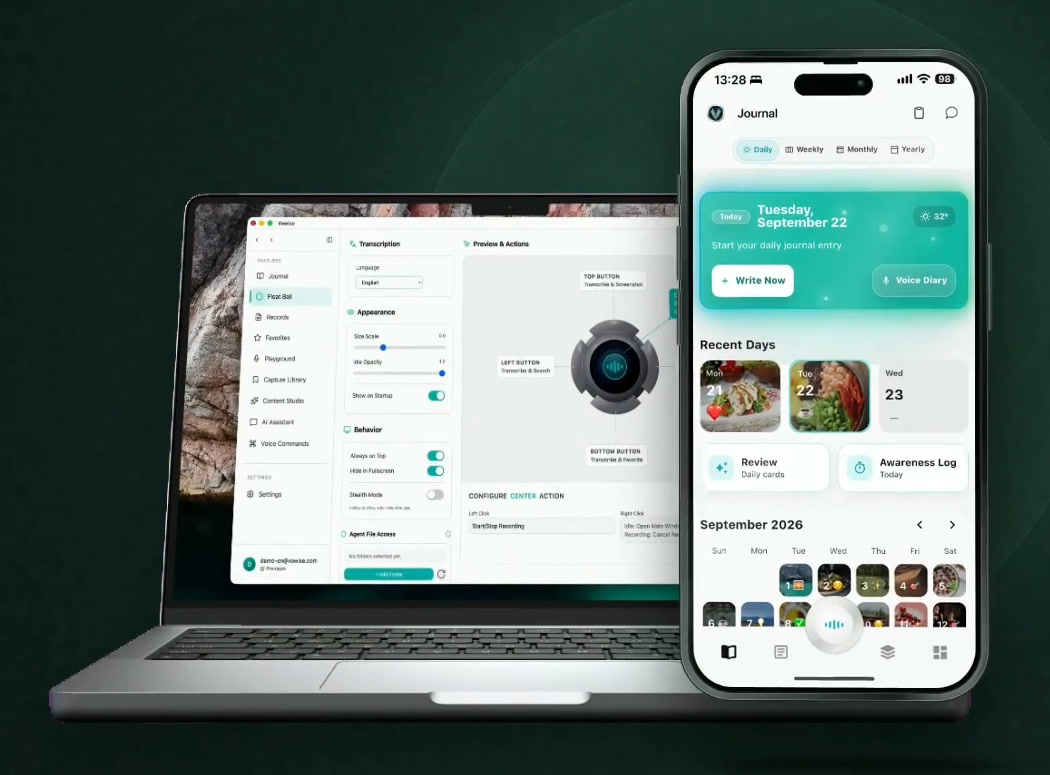
Across Devices
Capture where convenient, structure where focused.
Note thoughts on mobile in the moment, organize writing and sources on desktop, and revisit records on the web. Move seamlessly across devices in rhythm with your life.
Capability Index
Things Vowise already does.
Capture
- Voice recordsall devices
- Desktop floating recorderdesktop
- Photo journal with AI captions
- Text in image
- Chrome extension capturebrowser
- Capture Library
- Cloud clipboard
- Favorites
Journal
- Daily journal
- Voice diary
- Mood check-in
- Weather context
- Nutrition estimate per person
- Weekly summaries
- Monthly reviews
- Yearly reflection
- CLI import
Awareness
- Awareness Log
- Time records
- Habits & practices
- Goals
- Day / week / month / year views
- Time export
Return
- Review feed
- Skip / Less / More tuning
- Letters to your future self
- Recurring feeling signals
- Time patterns
- AI Key Facts
- Linked favorites
Ask
- AI Chat on any record
- AI Memory, learned automatically
- Manual & editable memories
- Pause memory anytime
- Fitness assistant
- Nutrition assistant
- Full-text search
Create
- One-click content creation
- Content Studio
- Channels, schedule & topics
- Summaries & AI tags
- Multi-format export
Voice
- Personal dictionary
- Prompt templates
- Mixed-language transcription
- Voice commandsdesktop
- Paste anywheredesktop
FAQ
Frequently Asked Questions
What is Vowise?+
Vowise is an AI voice-to-text, dictation, and voice journal app. Capture daily life with voice, photos, and the Awareness Log. Revisit your records in Review to discover connections and support your next action and creation.
What can I start recording with?+
You can start with voice diaries, audio transcripts, text notes, and photos, or use the awareness log to track daily activities. Choose whatever fits your present moment and build your personal archive step by step.
Can I still get started if I don't know what to write?+
Yes. Simply speak about one thing that happened today, a single thought, or how you feel. You don't need a complete entry right away; you can always add to and organize it later.
How does Review help me?+
Review brings your saved thoughts, reflections, and notes back into view. Examine each card to rediscover what you were thinking, and tune the cadence with Skip, Less, or More so meaningful ideas return at the right moment.
How are these records turned into content creation?+
Select source materials from your existing records, then use AI to organize structure and expand your viewpoints into working drafts. From there, you revise and polish according to your own voice and intent.
Can I manage what AI Memory stores?+
Yes. You can view, edit, or delete any saved memory at any time, keeping the personal context available to subsequent AI conversations fully aligned with who you are today.
Start with one record today.
Capture a single thought, an experience, or a sentence not yet figured out. Let it grow as you structure, review, and create.
Free Download →